2.1‑inch Round Knob RGB Screen with ESP32‑S3
📌 Product Overview
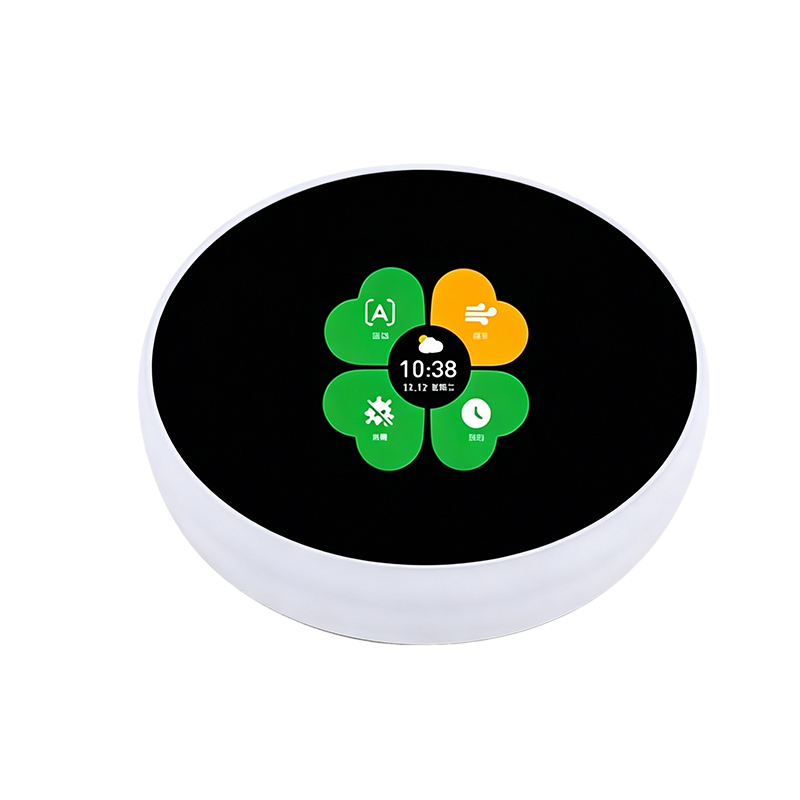
This 2.1‑inch round knob screen adopts ESP32‑S3 as main MCU, equipped with ST7710S driver IC, 480×480 high‑resolution RGB circular display and Hall code encoder. It supports WiFi and Bluetooth function, specially designed for smart home control panel, household appliance man‑machine interaction projects. It comes with complete flashing tool ZXACC‑ESPDDB, supports one‑click firmware download without complicated pin‑pulling operation. Widely applied on water heaters, washing machines, ovens, integrated stoves and other smart household equipment.
📋 Product Specifications
| Item |
Parameter |
| Product Name |
2.1‑inch knob screen |
| Main MCU |
ESP32‑S3 |
| Screen Size |
2.1 inches |
| Resolution |
480×480 |
| Driver IC |
ST7710S |
| Screen Interface |
RGB Interface |
| Encoder |
Hall code encoder |
| WiFi |
Support |
| Bluetooth |
Support |
| Product Dimension |
797921mm |
| Outer Box Size |
989835mm |
| Net Weight |
77.6g |
| Casing Weight |
115.4g |
| Application Scenarios |
Water heaters, washing machines, ovens, integrated stoves, etc. |
✨ Core Features
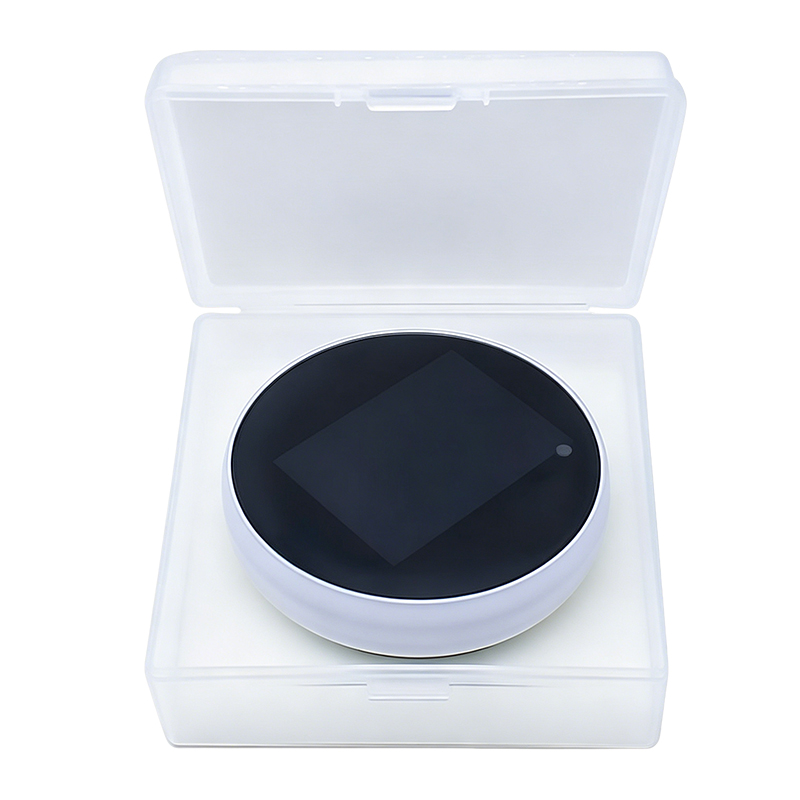
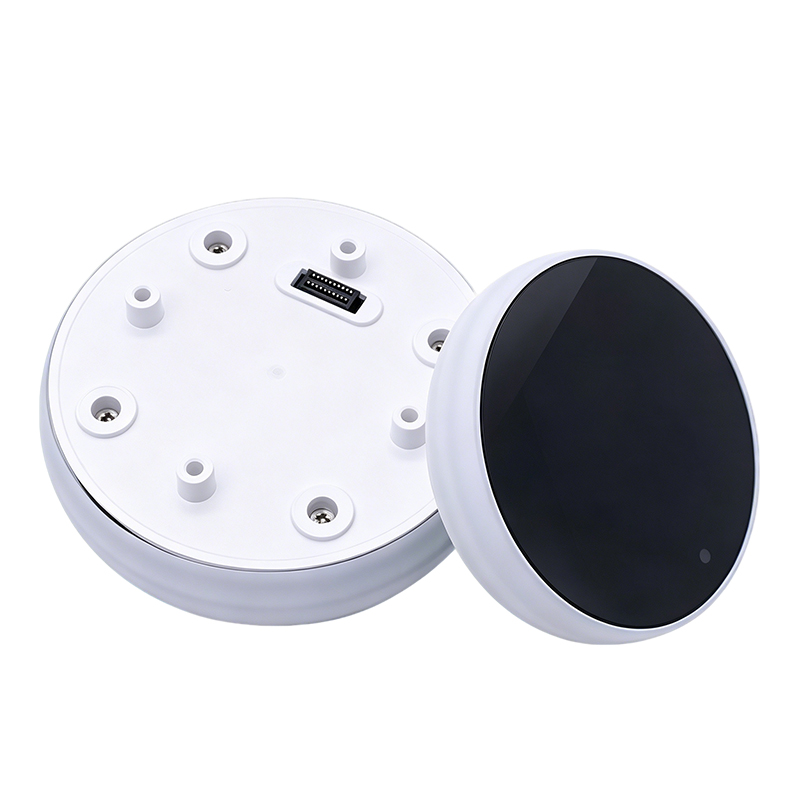
✅ Built‑in ESP32‑S3 chip, integrated WiFi & Bluetooth, convenient for IoT smart project development ✅ 2.1‑inch round RGB screen, 480*480 high resolution, delicate circular display effect ✅ Hall code encoder, rotary knob input for convenient human‑machine interaction ✅ Special flashing tool ZXACC‑ESPDDB, one‑click program download, no manual reset or pin pulling ✅ Type‑C interface, supports 5V/3.3V dual power supply ✅ Compliant with USB 2.0 standard, with receiving & transmitting buffer ✅ Compatible with multiple serial smart display products, plug‑and‑play flashing without extra wiring ✅ Complete shell structure, compact size, easy for household appliance integration
🛠️ Firmware Flashing Guide
Connect the downloader (ZXACC‑ESPDDB) via USB‑Type C, and use an MX1.25‑7P data cable to connect the ZX3D50‑CE02S board to the downloader (ZXACC‑ESPDDB). Since the downloader (ZXACC‑ESPDDB) automatically handles data flow control, the firmware can now be automatically downloaded using the ESP32 Flash Download Tools. Select the path of the firmware you want to flash, usually at address 0X00, and make sure to check the box in front; set the system clock to 40MHz; select the Flash size as 32Mbit; choose SPIMODE as DIO mode; select the port number recognized by the computer for the current board; choose the serial baud rate (the higher the value, the faster the firmware download speed, with a maximum of 115200bps). After finishing the previous configurations, just click start to flash the firmware. After completing the above two steps, press the reset button on the back of the development board to start running the firmware you just flashed.
⚠ Important Usage Notice
Kind reminder: If there are version differences or images not been updated, please refer to the actual product.







 Jerry ChenPerson in ChargeChat


